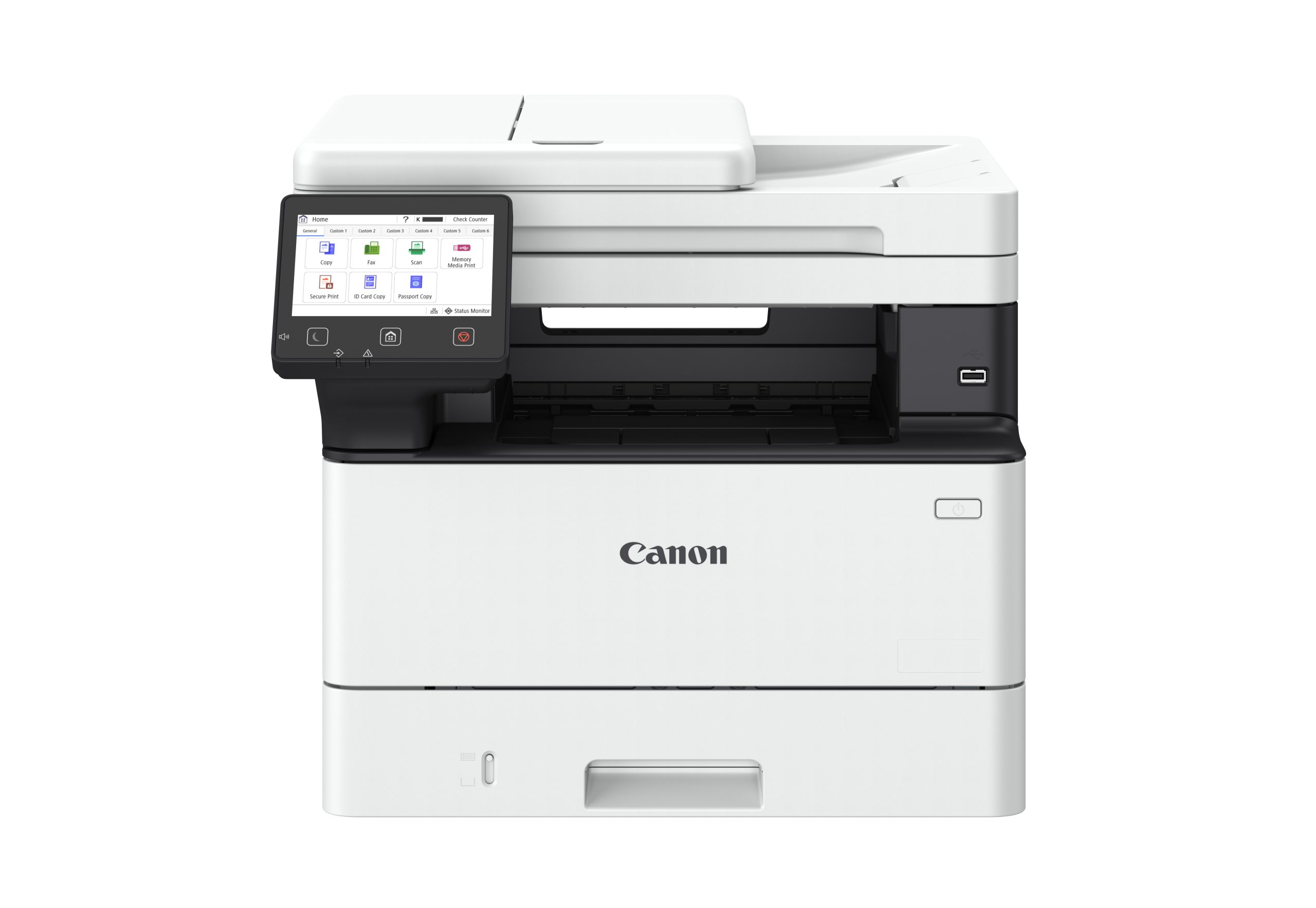
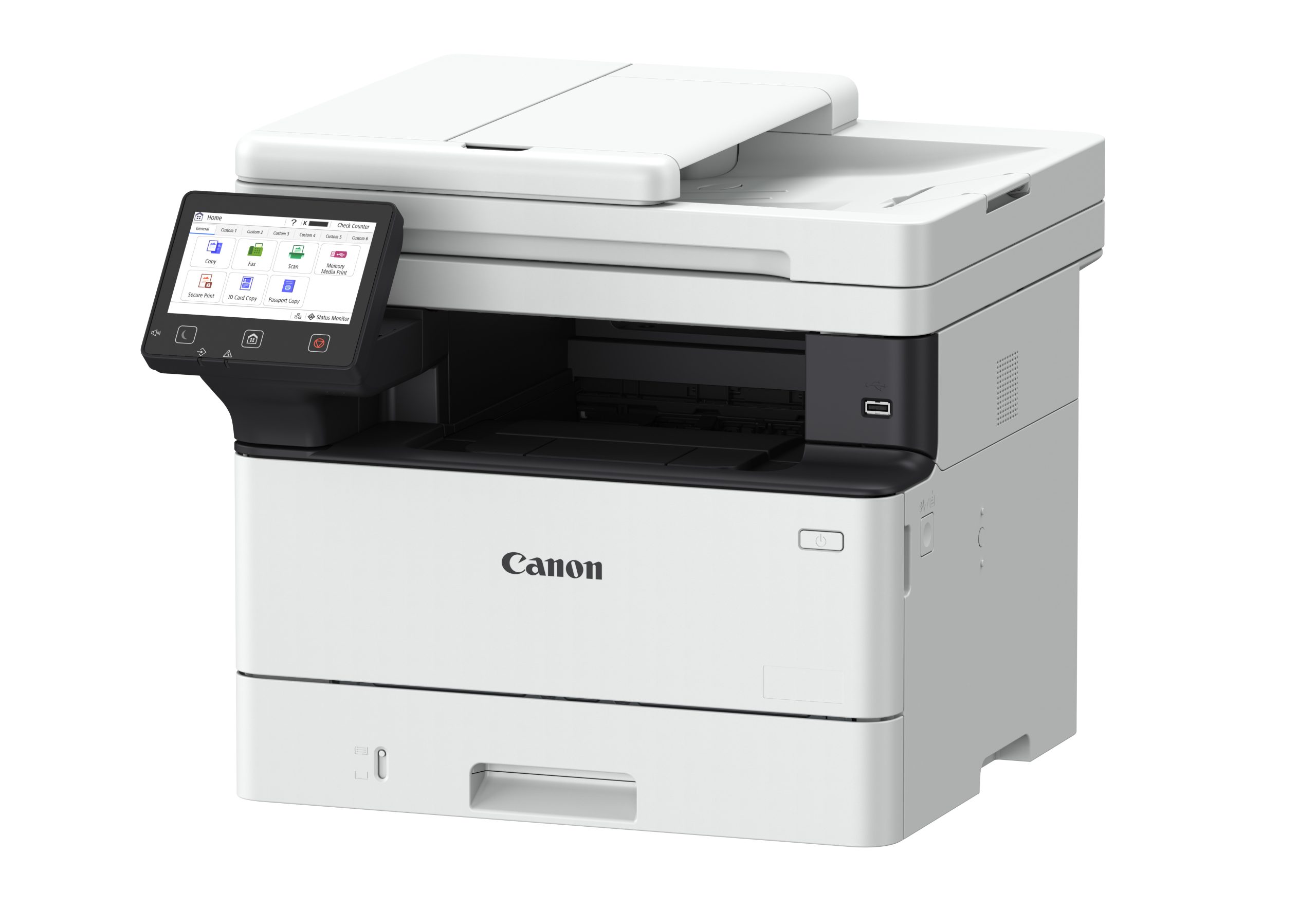
Streamline your workflow for greater efficiency. With automatic duplex printing and scanning capabilities, intuitive touchscreen display, and enhanced security, the Canon imageCLASS MF469x II manages your print and scanning needs so you can focus on growing your business.
MF461dw II / MF465dw II / MF469x II
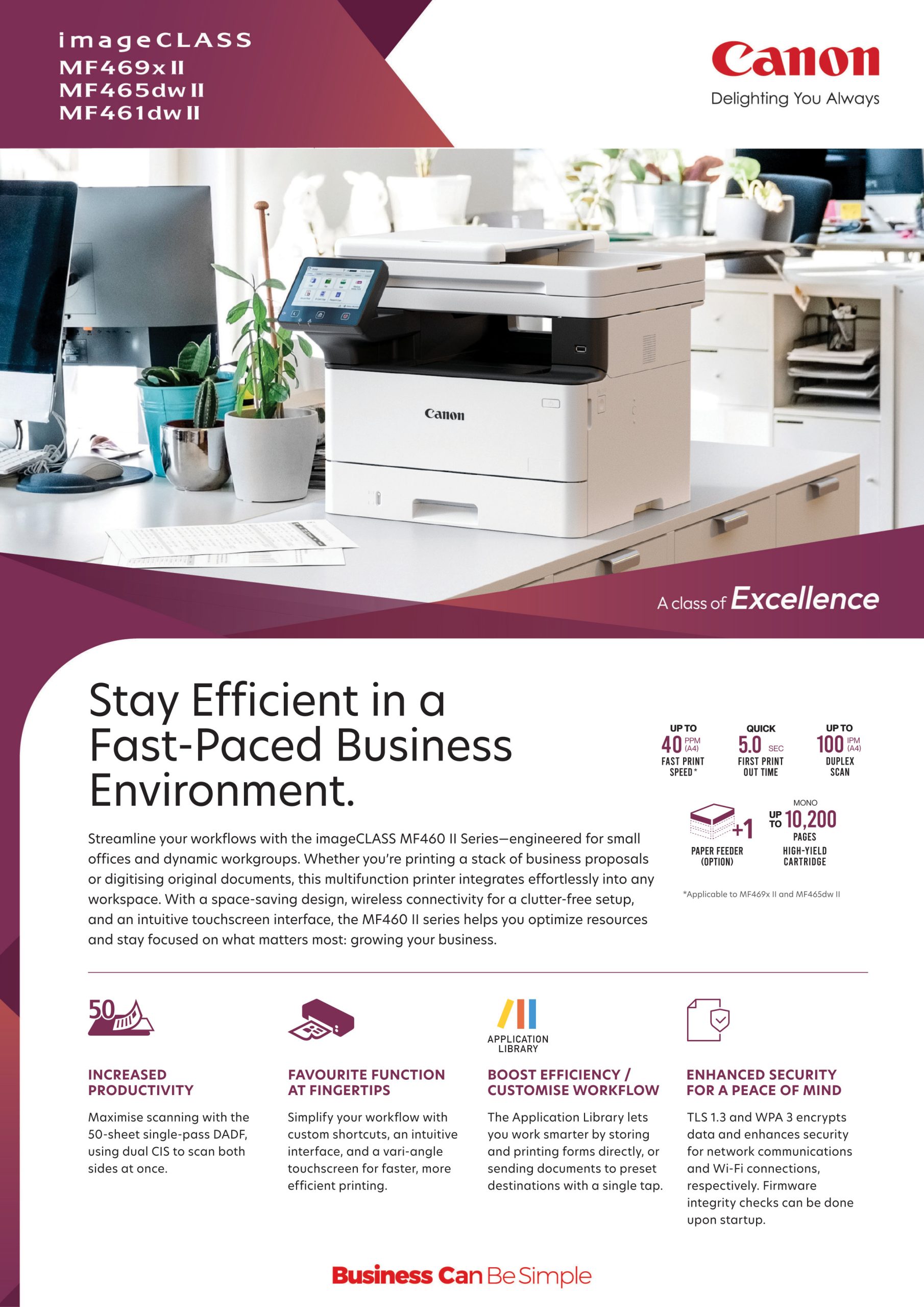
MF461dw II / MF465dw II / MF469x II
| Printing Method | Monochrome Laser Beam Printing |
| Print Speed | |
| A4*1 | 40 ppm |
| Letter*1 | 42 ppm |
| 2-Sided | 33 ipm (A4) / 35 ipm (Letter) |
| Print Resolution | 600 x 600 dpi |
| Print Quality with Image Refinement Technology | 1,200 x 1,200 dpi (Equivalent) |
| Warm-Up Time (From Power On) | 14 sec |
| First Print Out Time (FPOT) (Approx.)*2 |
|
| A4 | 5 sec |
| Print Language | UFR II, PCL 6, Adobe® PostScript® 3™ |
| Auto Duplex Print | Yes |
| Print Margins | Top/Bottom/Left/Right margin: 5 mm Top/Bottom/Left/Right margin: 10 mm (Envelope) |
| Supported File Format for USB Direct Print | JPEG, TIFF, PDF |
| Copy Speed | |
| A4 | 40 ppm |
| Copy Resolution | Up to 600 x 600 dpi |
| First Copy Out Time (FCOT) (Approx.) Platen Glass |
|
| A4 | 6.1 sec |
| First Copy Out Time (FCOT) (Approx.) ADF |
|
| A4 | 6.1 sec |
| Reduce/Enlargement | 25 – 400% in 1% increments |
| Copy Features | Collate, 2 on 1, 4 on 1, ID Card Copy, Passport Copy, 2-sided originals |
| Scan Resolution | |
| Optical | Up to 600 x 600 dpi |
| Driver Enhanced | Up to 9,600 x 9,600 dpi |
| Scan Type | Colour Contact Image Sensor |
| Maximum Scan Size | |
| Platen Glass | Up to 216 x 297 mm |
| Auto Document Feeder | Up to 216 x 356 mm |
| Scan Speed*3 | |
| Platen Glass | 1.8/1.9 sec (Mono/Colour) |
| Auto Document Feeder, A4 (Mono/Colour) | 1-Sided: 50 ipm (Mono), 40 ipm (Colour) 2-Sided: 100 ipm (Mono), 80 ipm (Colour) |
| Colour Depth | 24-bit |
| Pull Scan | Yes, USB and Network |
| Push Scan (Scan To PC) with MF Scan Utility | Yes, USB and Network |
| Scan To Cloud | MF Scan Utility |
| Scan Driver Compatibility | TWAIN, WIA |
| Send Method | SMB, Email, FTP, iFAX Simple |
| Colour Mode | Full Colour, Greyscale, Monochrome |
| Scan Resolution | 300 x 600 dpi |
| File Format | JPEG (Single page), TIFF, PDF, Compact PDF, PDF (OCR) |
| Modem Speed | Up to 33.6 kbps (Up to 3 sec/page) |
| Fax Resolution | Up to 400 x 400 dpi |
| Compression Method | MH, MR, MMR, JBIG |
| Memory Capacity*4 | Up to 90 jobs |
| Speed Dials | Up to 281 dials |
| Group Dials / Destinations | Up to 299 dials |
| Sequential Broadcast | 310 destinations |
| Receive Mode | Fax only, Fax/Tel Auto Switch, Answer Mode, Manual |
| Memory Backup | Permanent fax memory backup |
| Fax Features | Fax Forwarding, Remote Reception, PC Fax (Transmit only) DRPD, ECM, Auto Redial, Fax Activity Reports, Fax Activity Result Reports, Fax Activity Management Reports |
| Input Tray Capacity (Plain Paper, 80 g/m²) | |
| Standard | |
| Cassette | 250 sheets |
| Multi-Purpose Tray | 100 sheets |
| Auto Document Feeder | 50-Sheet Duplex, Single Pass |
| Optional | |
| Paper Feeder | 550 sheets |
| Maximum | 900 sheets (Standard + 1 Paper Feeder) |
| Output Tray Capacity (Plain Paper, 80 g/m²) | 150 sheets |
| Media Size | |
| Cassette / Paper Feeder | A4, A5, A6, Legal, Letter, Foolscap, Indian Legal, Custom (min. 105 x 148 mm to max. 216 x 355.6 mm)Note: The cassette may not fully close when loaded with paper longer than A4 size. |
| Multi-Purpose Tray | A4, A5, A6, Legal, Letter, Foolscap, Indian Legal, Index Card, Postcard, Envelope (COM10, Monarch, DL, C5), Custom (min. 76.2 x 127 mm to max. 216 x 355.6 mm) |
| Auto Document Feeder | A4, A5, A6, Letter, Legal (min. 148 x 105 mm to max. 216 x 356 mm) Business Card: 48 x 85 mm |
| 2-Sided Printing | A4, Legal, Letter, Foolscap, Indian Legal, Custom (min. 210 x 279.4 mm to max. 216 x 355.6 mm) |
| Media Type | Plain Paper, Recycled Paper, Colour Paper, Bond Paper |
| Media Weight | |
| Cassette / Paper Feeder | 60 – 120 g/m² |
| Multi-Purpose Tray | 60 – 199 g/m² |
| Auto Document Feeder | 50 – 105 g/m² (Business Card: 80 – 209 g/m²) |
| Standard Interfaces | |
| Wired | USB 2.0, 10Base-T/100Base-TX/1000Base-T |
| Wireless | Wi-Fi 802.11b/g/n (Infrastructure Mode, Access Point, WPS) |
| Network Protocol | |
| LPD, RAW, IPP, IPPS, WSD-Print (IPv4, IPv6) | |
| Scan | Email, SMB, WSD-Scan (IPv4, IPv6), FTP, Oauth 2.0 |
| TCP/IP Application Services | mDNS, DHCP, Auto IP (IPv4), DHCPv6 (IPv6) |
| Management | SNMPv3 (IPv4, IPv6), HTTP/HTTPS, SNTP |
| Network Security | |
| Wired | IP/Mac Address Filtering, HTTPS, SNMPv3, IEEE802.1X, IPsec, TLS 1.3 |
| Wireless | Infrastructure Mode: WPA-PSK(AES), WPA2-PSK(AES), WPA3-SAE(AES), WPA-EAP(AES), WPA2-EAP(AES), WPA3-EAP(AES)
Access Point Mode: WPA2-PSK(AES), WPA3-SAE(AES) |
| Mobile Solution | Canon PRINT app, AirPrint®, Mopria®, Microsoft Universal Print |
| Compatible Operating System*5 | Windows®10/11, Windows® Server 2016/2019/2022/2025, macOS 10.15 or later, Linux, Chrome OS |
| Other Features | Department ID, Secure Print, Skip Blank Page, Application Library |
| Available Software | Printer Driver, Fax Driver, Scanner Driver, MF Scan Utility, Toner Status |
| Device Memory | 1 GB |
| Storage (eMMC) | 2 GB |
| Display | 5″ LCD Touchscreen |
| Power Requirements | AC 220 – 240 V, 50/60 Hz |
| Power Consumption | |
| Operation | 480 W (max. 1,250 W) |
| Standby | 6 W |
| Sleep | 0.9 W |
| Operating Environment | |
| Temperature | 10 – 30°C |
| Humidity | 20 – 80% RH (no condensation) |
| Monthly Duty Cycle*6 | 80,000 pages |
| Dimensions (W x D x H) | 420 x 460 x 375 mm |
| Weight*7 (Approx.) | 16.2 kg |
| Toner Cartridge*8 | |
| Standard | Cartridge 070: 3,000 pages (Bundled: 3,000 pages) |
| High | Cartridge 070H: 10,200 pages |
| Paper Feeder | Cassette Feeding Unit-AH1 (550 sheets) |
| Barcode Printing Kit | Barcode Printing Kit-E1E |