Fuel your productivity
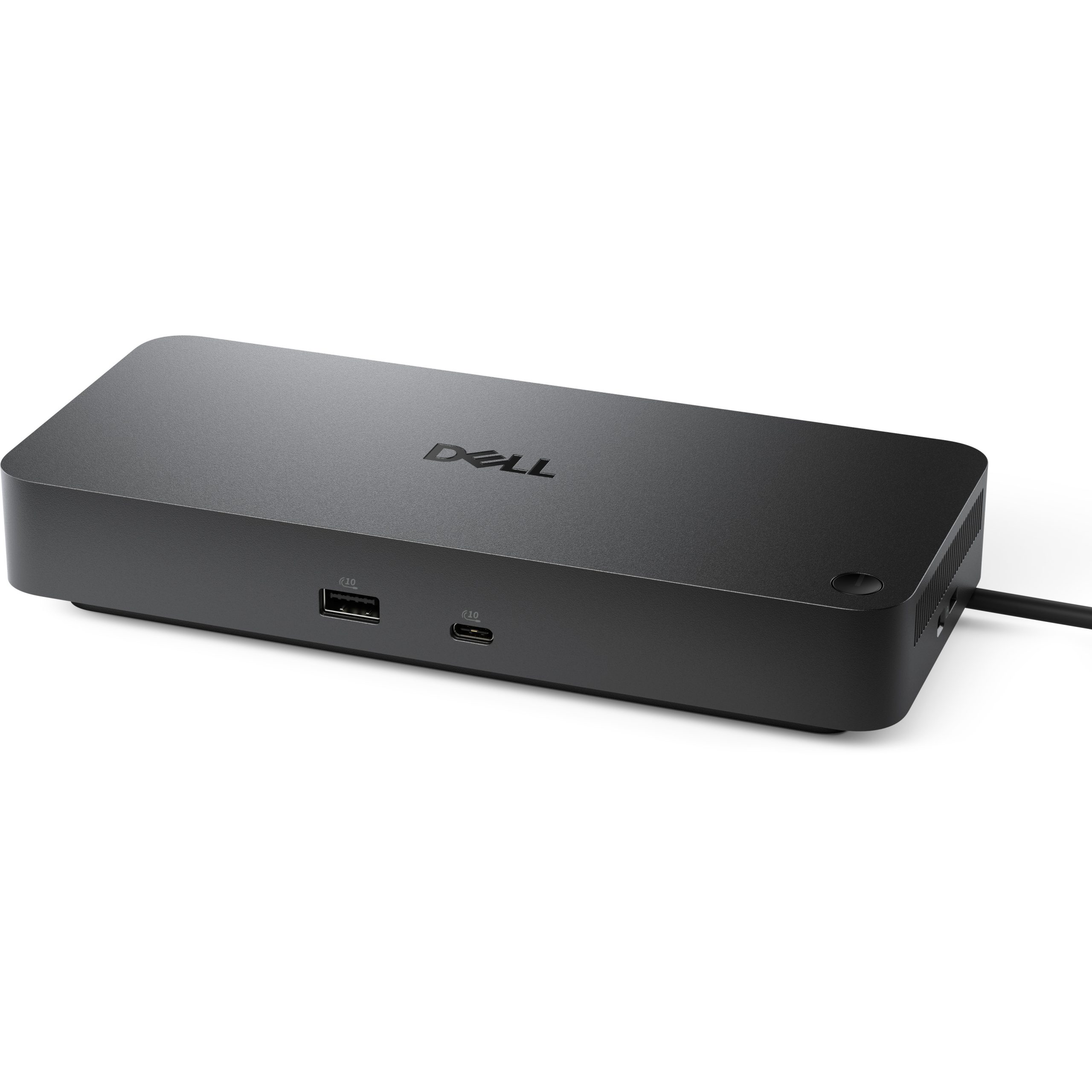
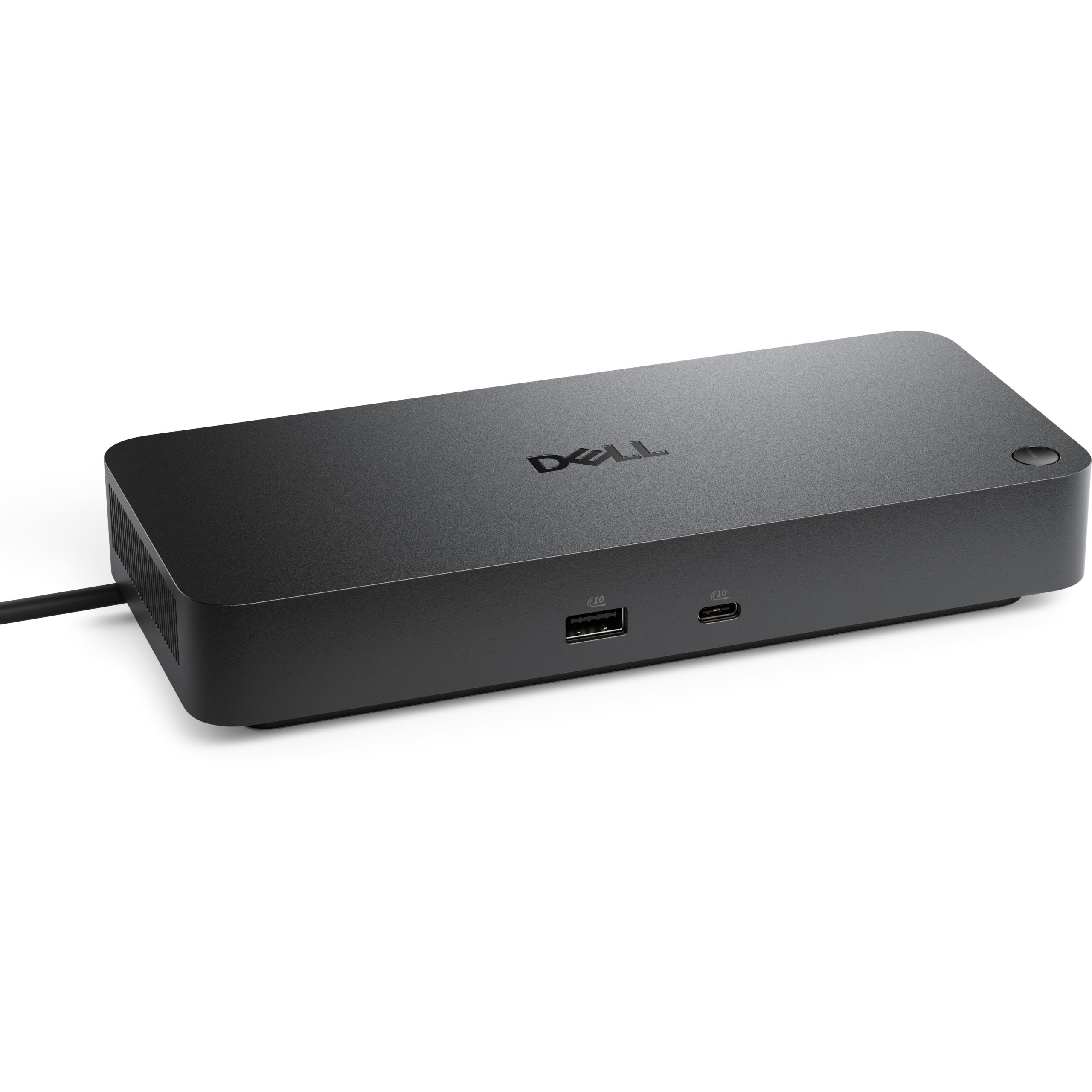
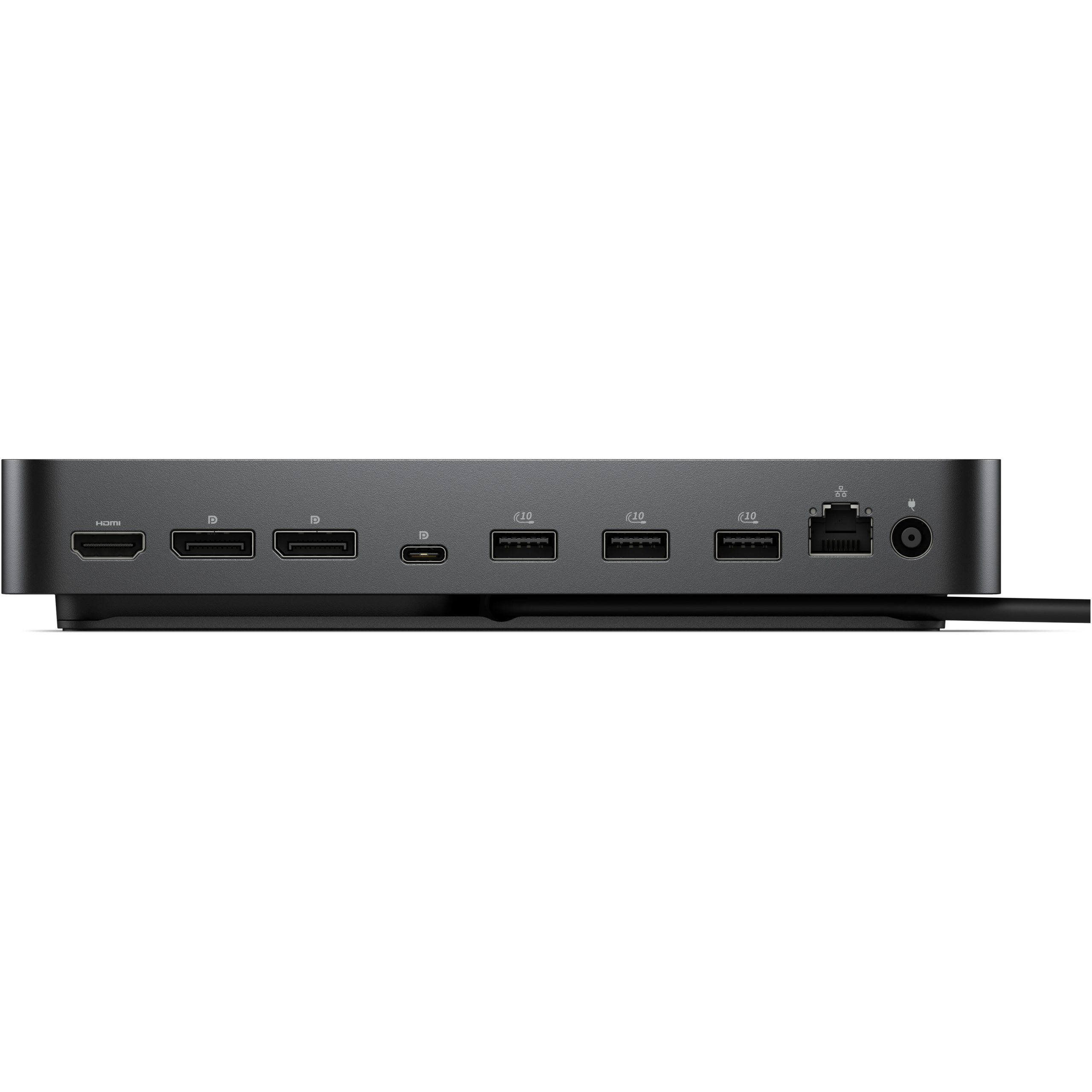
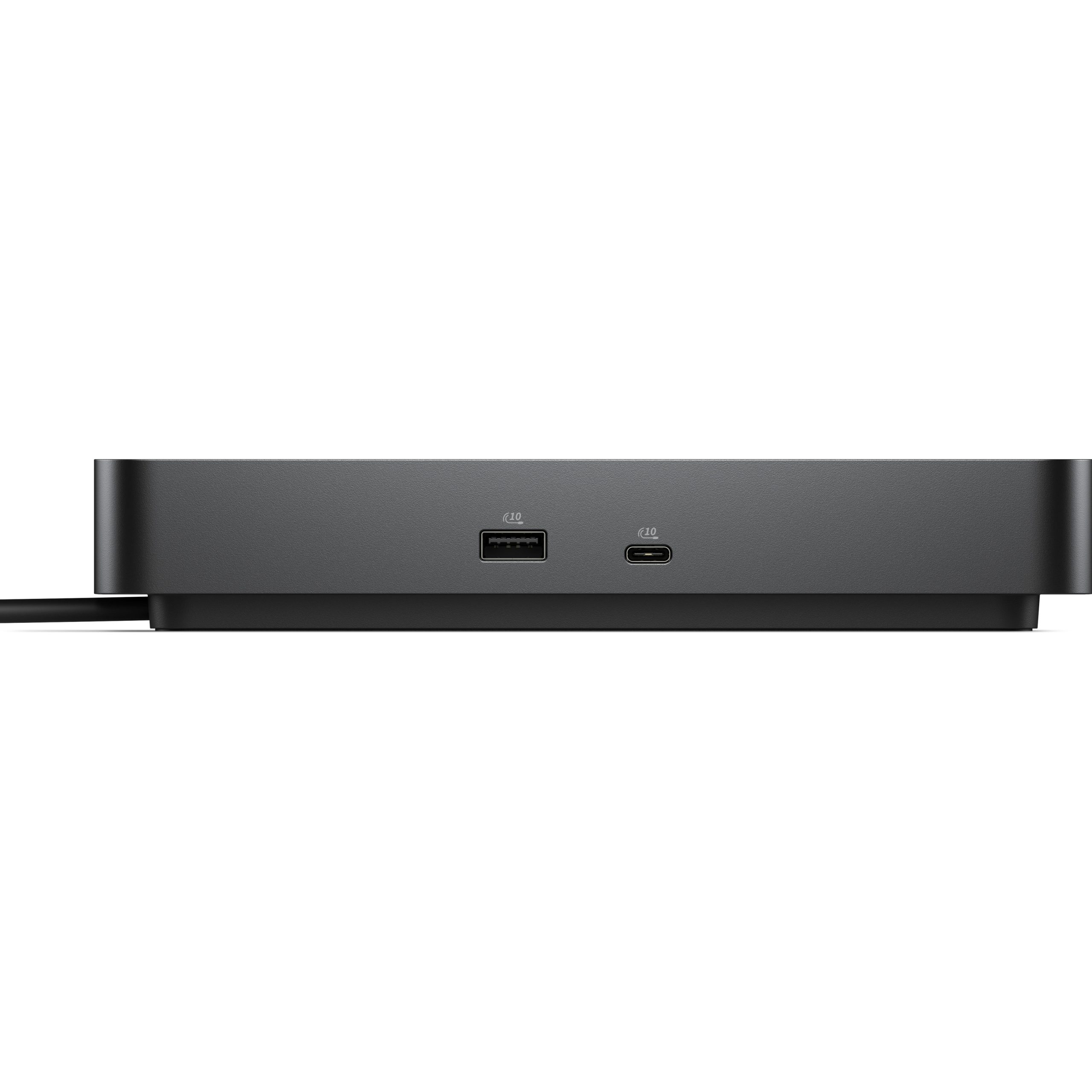
Gain the versatility to create your ideal workspace with a dock featuring 6 USB ports, support for 4 displays and driving up to 100W of power delivery to the latest Dell AI PCs for optimal productivity.
Improved manageability
Manage your dock from the Dell Device Management Console by utilising Dell Display and Peripheral Manager installed on your PC.
Simplify firmware updates
Reduce IT complexity by deploying a single firmware file across workspaces. Minimise end-user disruption with silent firmware updates that are executed upon dock disconnection.
Work with confidence
Enhance your docking experience with universally compatible features including MAC Address Pass-Through and Power Button Sync, for a better docking experience across brands.
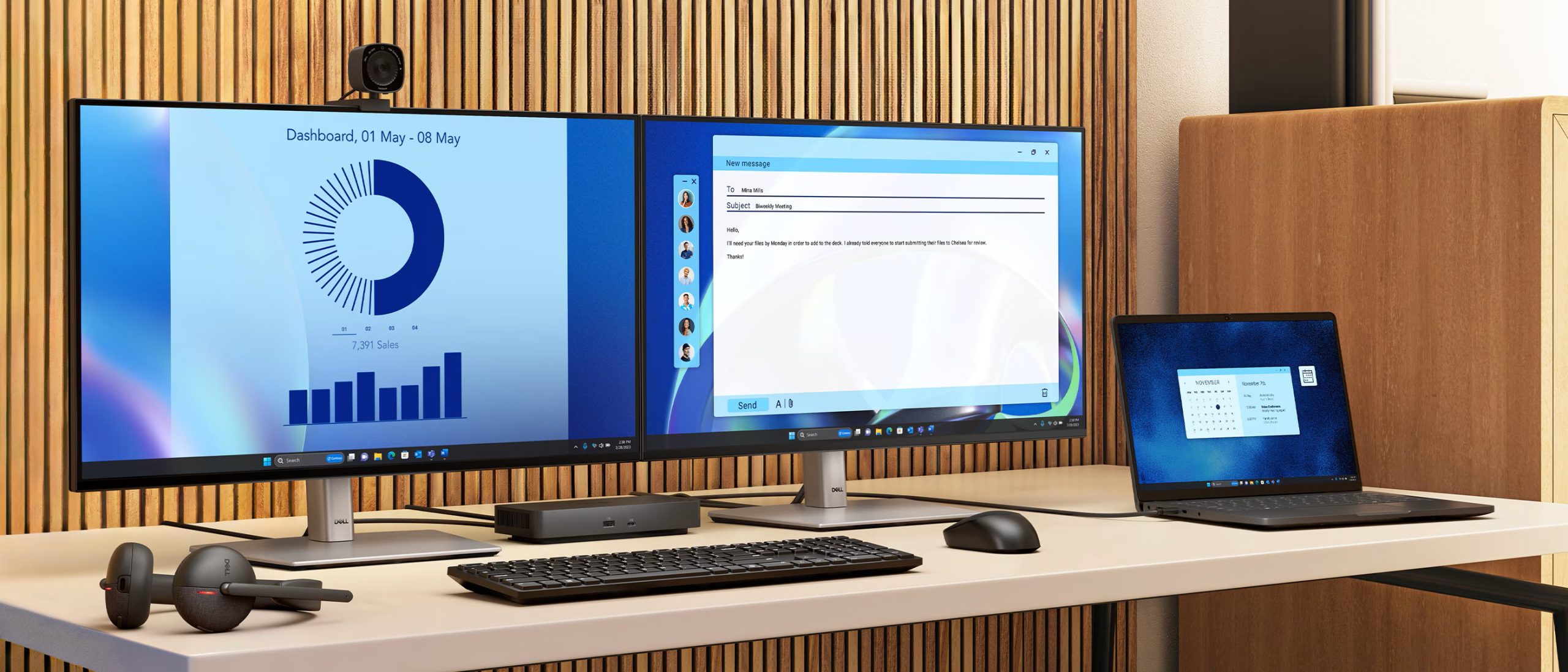
Connect your way
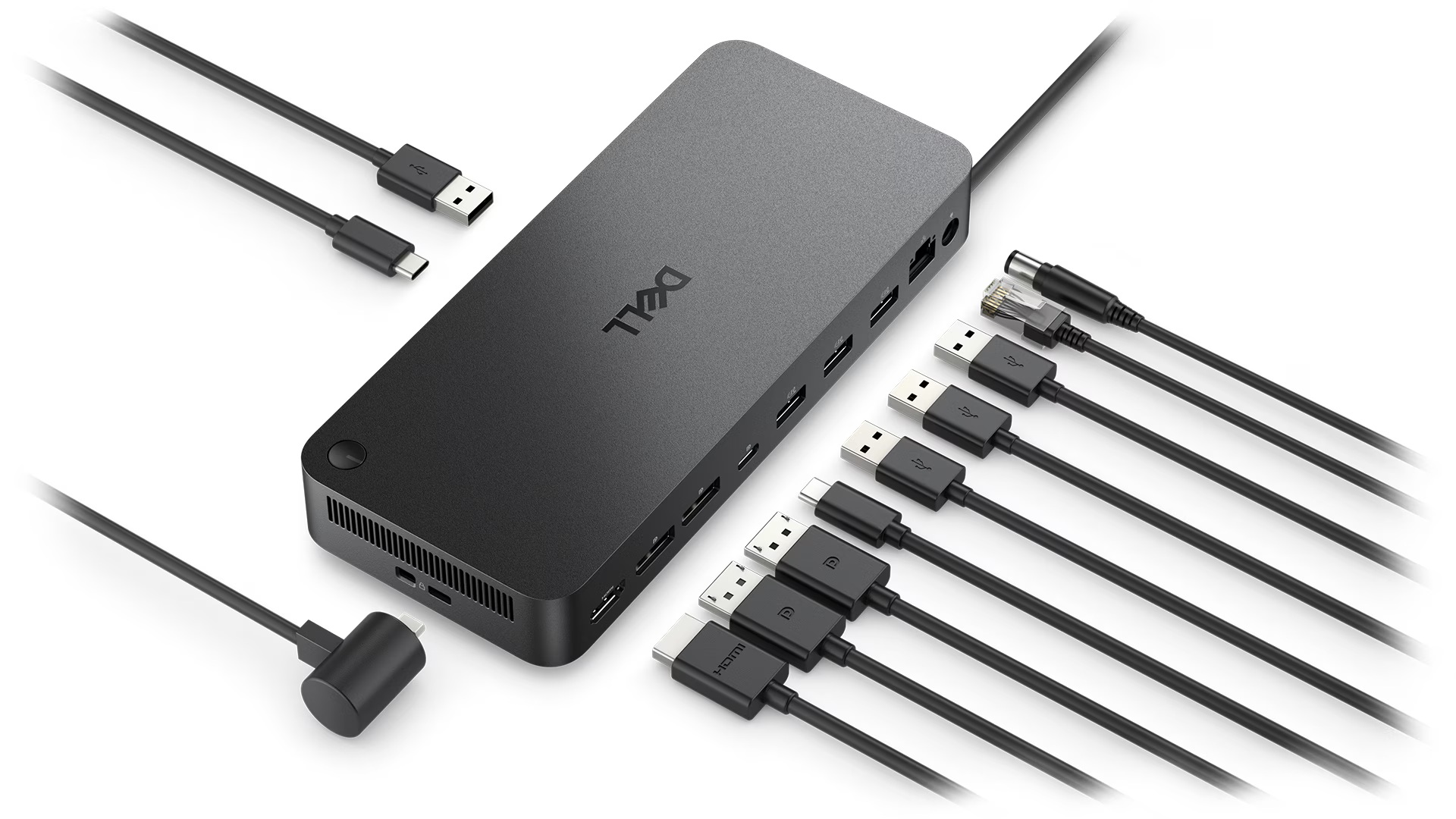
Configure your workspace to your liking with an ambidextrous USB-C cable that can be routed left or right.
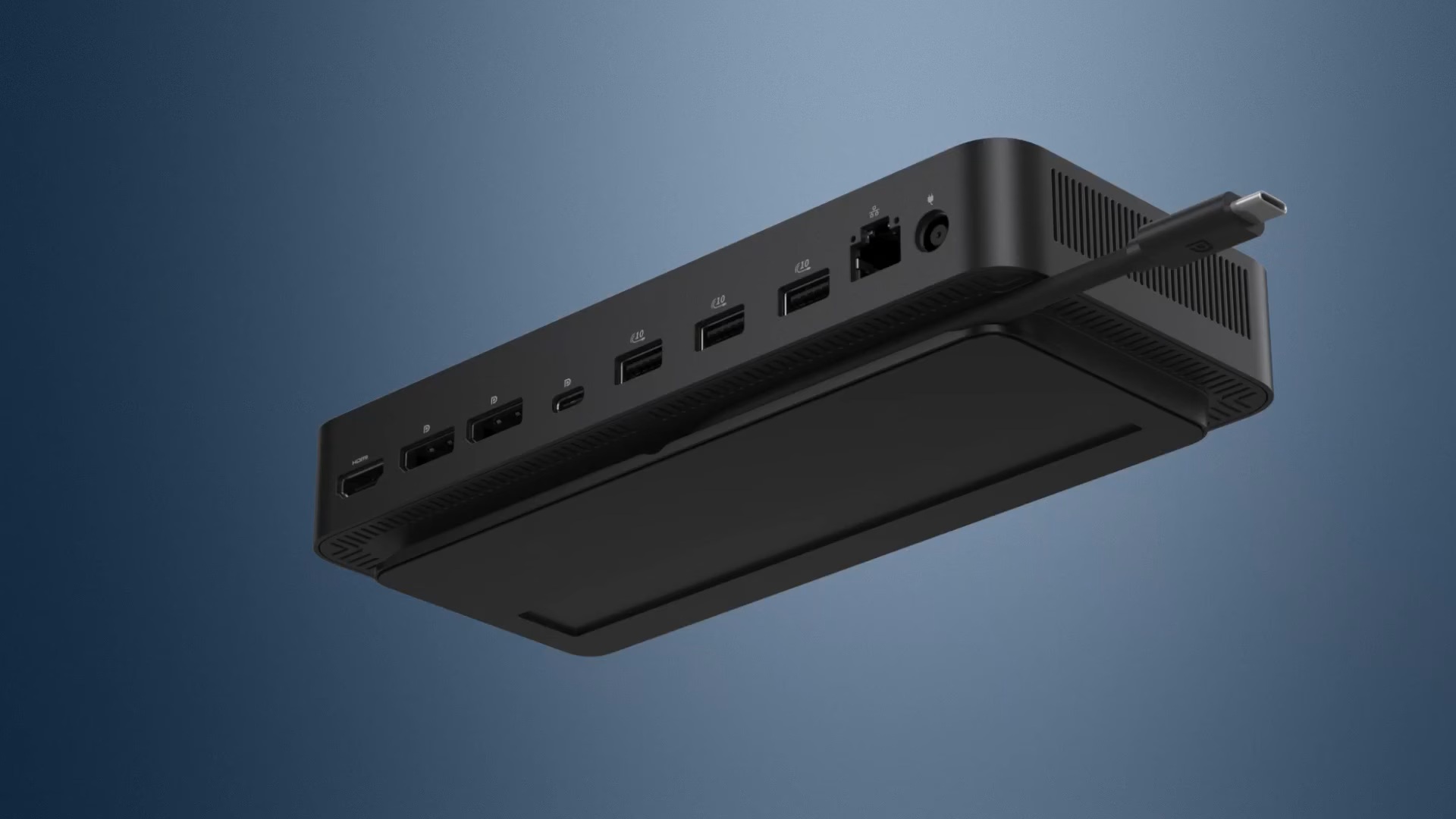
Designed for sustainability
The Dell Pro Dock is built with at least 65% post-consumer recycled materials and packaged with 100% recycled or renewable packaging, and offering up to 72% power consumption reduction on standby mode.
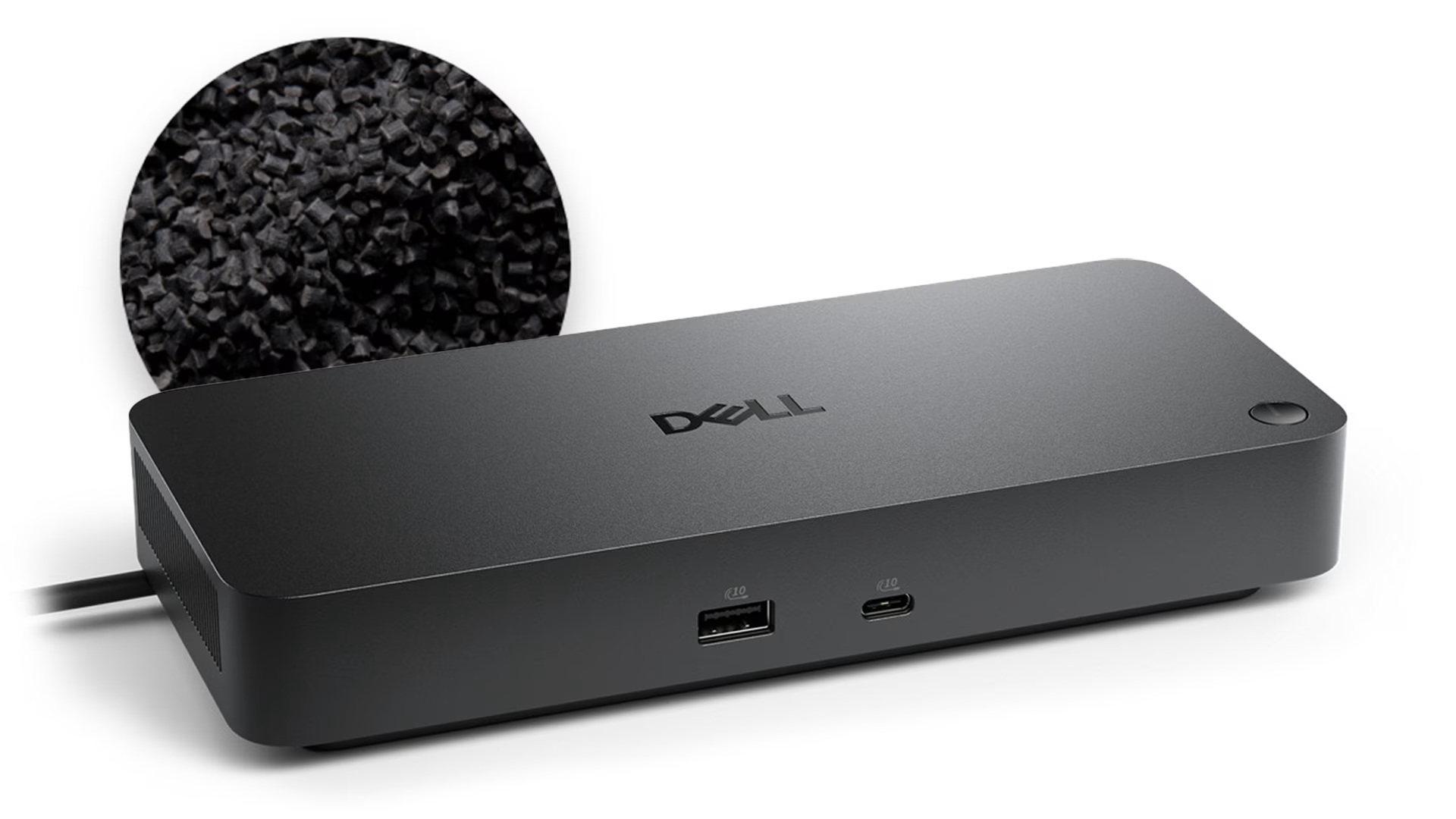
Host PC Management
Dock Management Features
Video interfaces
USB Ports (Data Only)