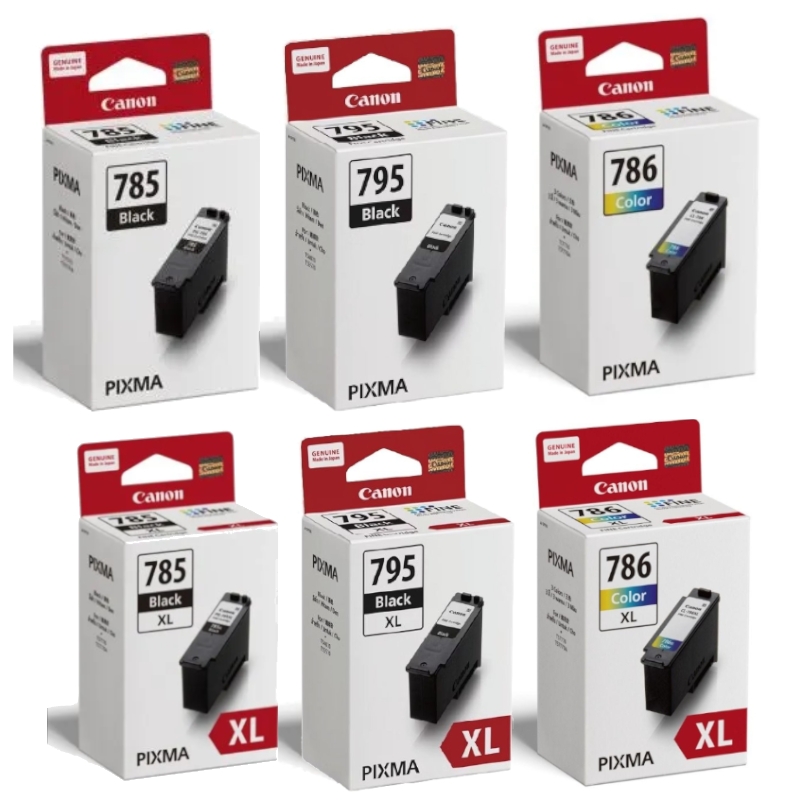
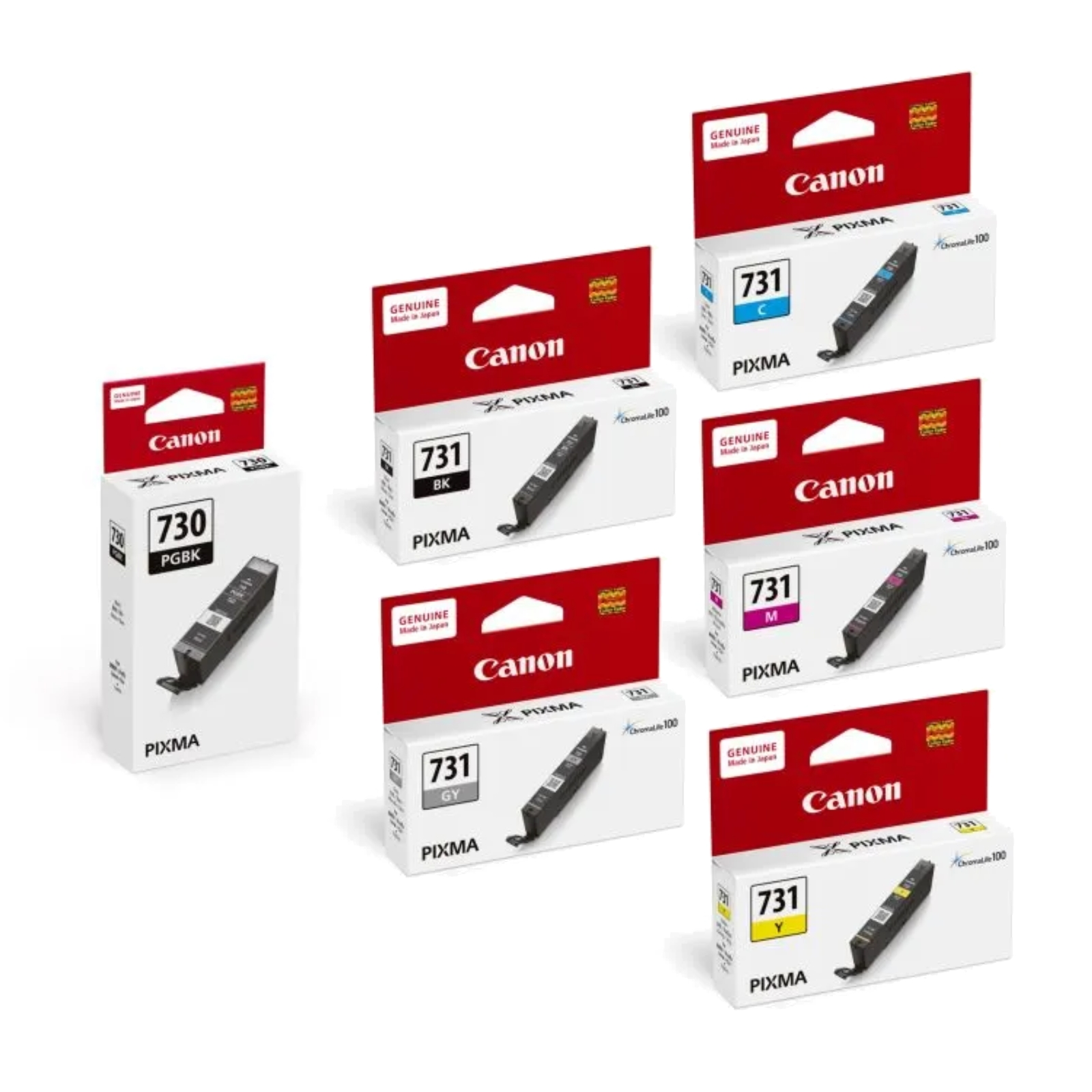
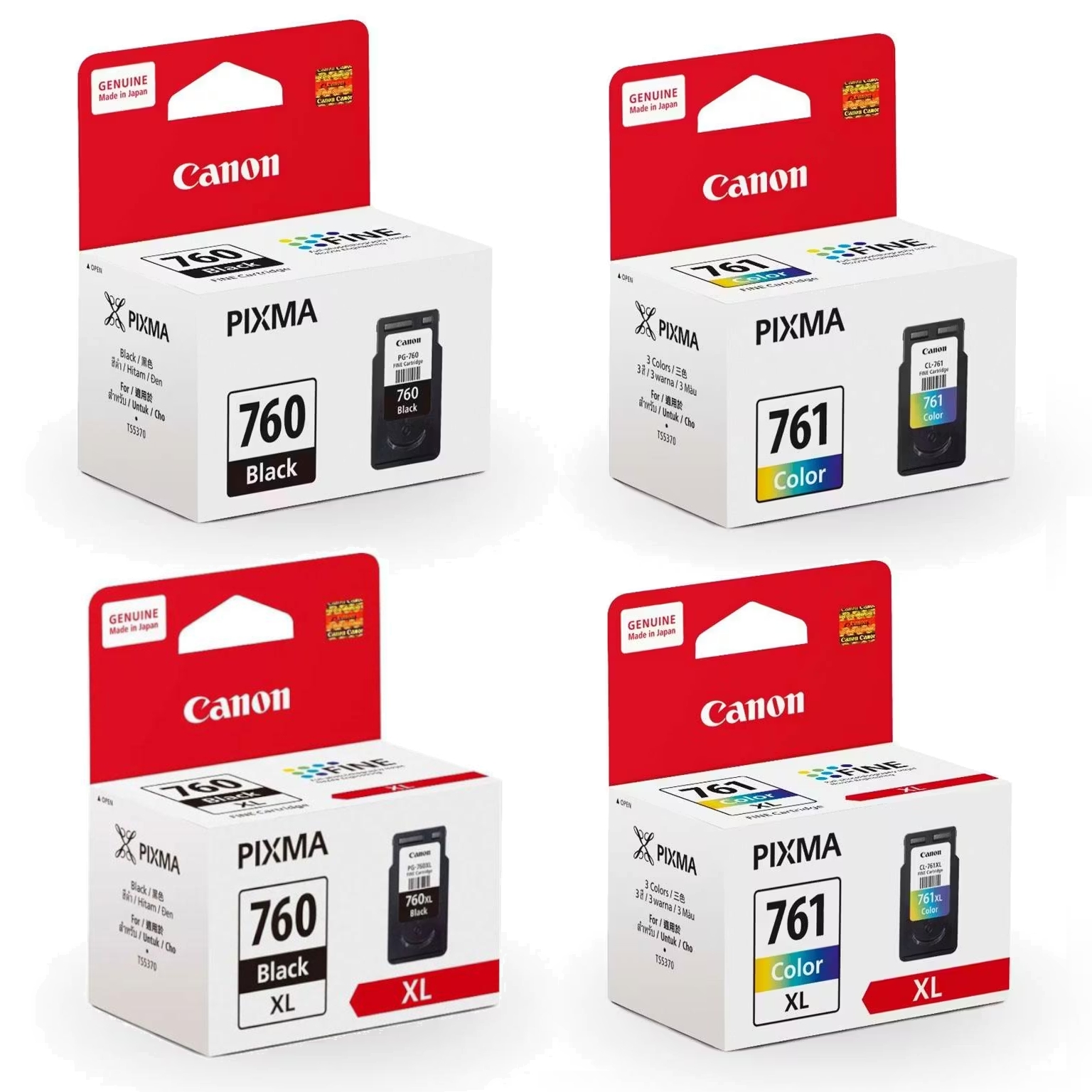
Why Use Genuine Canon Inks?
More Vibrant Colours
Colour vibrancy is what makes a photo truly special. Genuine Canon inks are formulated to produce exceptionally vibrant colours that are both accurate and unforgettable. Skin tones are beautifully natural. Bright colours are excitingly vivid. The in-between shades are always subtly expressive. With genuine Canon inks, you get colours as vibrant as life.
Protect Your Print Head
Inferior quality inks can damage your printer! Third party inks can cause photo colours to fade faster, or papers to curl due to incompatibility. It is important to use inks designed and engineered specially for FINE™ print head. Genuine Canon inks are designed to produce brilliant and lasting prints.
Don’t Be Fooled: How To Identify A Genuine Canon Ink Cartridge
It’s sometimes difficult to tell a counterfeit ink cartridge from the real thing, because the product packaging can be very similar. However, the quality of the contents can be distinguished. A genuine Canon ink cartridge ensures optimal printer performance, while counterfeits can cause blocked printer heads, ink leakage, poor printer performance and inferior image quality.
Photos That Last and Last
Genuine Canon inks and photo papers are engineered to work together. The result of this synergy is brilliant, fade-resistant prints that can be preserved for a long time*! Inferior quality inks can damage your printer and cause photo colours to fade faster.
Use Draft Mode to Save Ink
If you’re printing something just for reference and quality isn’t paramount, use the ink-saving “Draft” mode under the Print Quality settings of your PIXMA printer; or use the Toner Save mode of your Canon laser printer. Just remember to switch back to “Standard” or “High” mode when printing your final copy.
Individual Ink Cartridges
Canon’s innovative Ink Cartridge system is an ingenious way to lower costs by saving ink and paper. Each ink colour has its own cartridge, because colours are used at different rates. Only the depleted colour needs to be replaced, so ink wastage is eliminated. Your inkjet printer will let you know when a cartridge is low or empty, so you’ll never waste paper by running out of ink in the middle of a print job.
Print Regularly
Leaving your printer idle for extended period could result in ink clogs in the print head. To avoid this, simply print a document or two at least once a month. Additionally, avoid keeping your printer in dusty environments or placing it in the direct path of an air conditioner draft. Such exposure could dry the ink in the print head more quickly. Following these simple tips ensures the optimal performance for your printer.